Guides9 min read
Logo File Types: Which Logo Files You Need and What Each Is For
One logo, several files. The set a business should keep, what each file is for, and how to rebuild a lost set from a single PNG.
Key takeaways
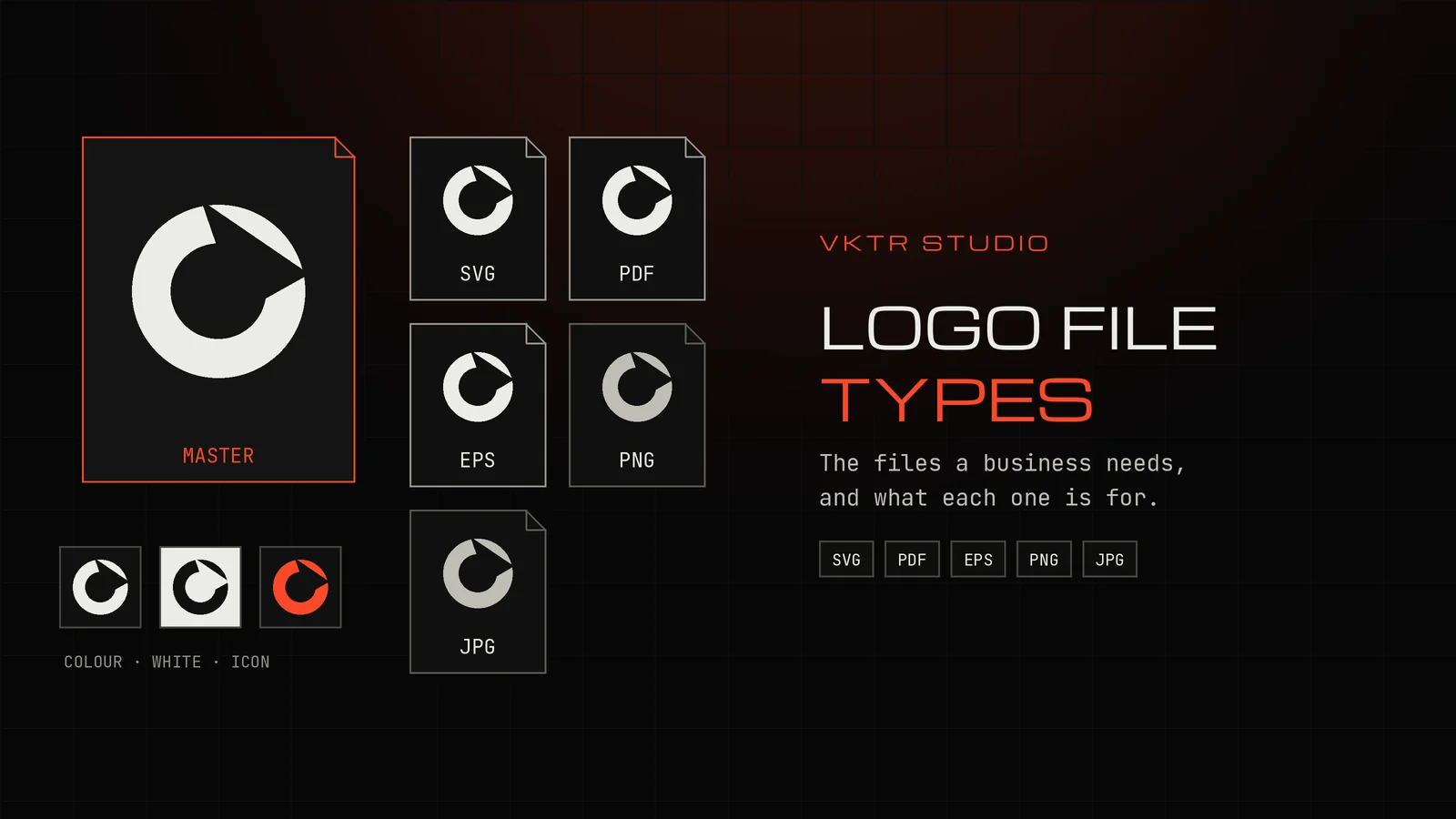
- A complete logo set has two parts: the formats (vector SVG, PDF and EPS, plus PNG and JPG) and the versions (full colour, one colour, white and a square icon).
- Keep one vector master. Every other file is exported from it, so nothing is ever enlarged from a small picture.
- PNG keeps a transparent background and JPG never does. Neither can be enlarged without losing sharpness.
- If all you have is one PNG or JPG, VKTR Studio can trace it into vector shapes and download SVG, PDF, EPS and DXF from the same result. Check lettering and fine detail before printing.
The logo file types a business needs are a vector master (SVG, PDF or EPS) and two raster copies (PNG with a transparent background, and JPG), each in a full-colour, one-colour and white version, plus a square icon. The vector files are for printing, signs and anything that gets resized. The PNG and JPG files are for screens, documents and email.
Most people find out what is missing when a printer or a web developer asks for “the vector file” or “a transparent logo”, and all they have is a JPG from an old email. This guide lists the files, says what each one is for, and shows how to rebuild a set when the originals are lost.
Two kinds of logo file: vector and raster
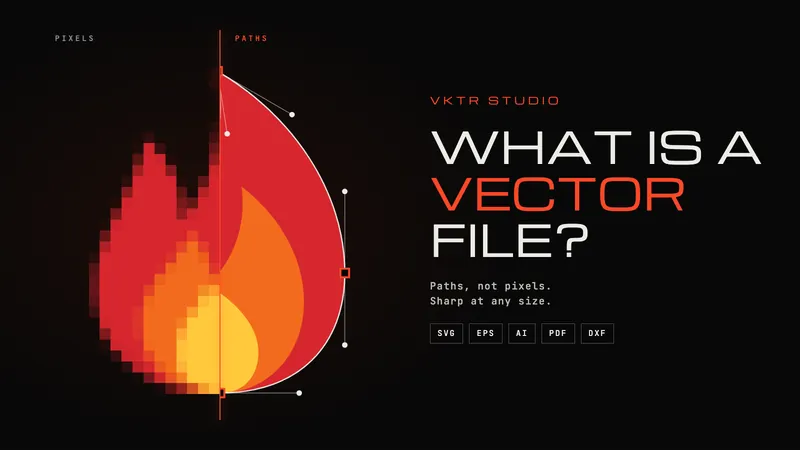
Every logo file is one of two kinds. A vector file describes the logo as shapes and curves, so it stays sharp at any size. A raster file records it as a grid of pixels, so it has a fixed size and turns soft or blocky when it is enlarged. Our guide to what a vector file is explains the difference and how to check which kind you have.
The rule that follows is simple: keep the logo as vector, and make raster copies from it when a screen or an app needs them. Going the other way, from a small raster image to a large print, is where the problems start.
| File | Kind | Transparent background | Use it for |
|---|---|---|---|
| SVG | Vector | Yes | Websites, apps, cutting machines, editing in design software |
| Vector, when exported from design software | Yes | Printers, proofs and suppliers | |
| EPS | Vector | No: fades and transparency are flattened | Older print and sign workflows that ask for it |
| AI | Vector, Adobe Illustrator’s own format | Yes | The designer’s editable master, if the logo was made in Illustrator |
| PNG | Raster | Yes | Websites, slides, documents, email signatures, social media |
| JPG | Raster | No | Quick previews where a white background is fine |
| DXF | Vector outlines | Outlines only, no fills | Laser cutting, engraving and CNC |
The vector master: SVG, PDF or EPS
SVG (Scalable Vector Graphics) is the open web standard for vector images, published by the W3C. Browsers display it directly, design apps open it, and cutting machines accept it. If you keep only one vector file, keep an SVG. Be aware that an SVG can also wrap a pasted-in picture, which is not vector at all: why an SVG may not be editable shows how to check.
PDF is what most printers prefer to receive. A PDF exported from a design app keeps the logo as vector shapes. A PDF made by scanning a page holds only a picture, so check before you send it.
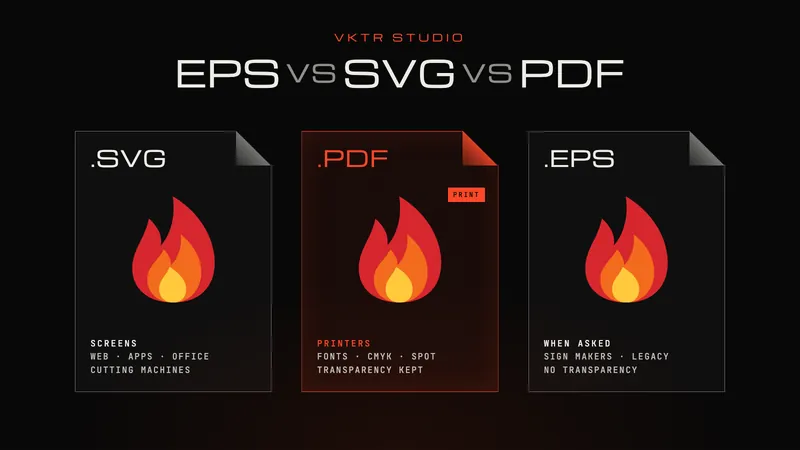
EPS is an older print format. Many sign makers and printers still accept it, but it cannot hold transparency, so soft shadows and fades are flattened. Keep one if a supplier asks for it; otherwise PDF does the same job. Our EPS vs SVG vs PDF comparison goes through which one to send for each job.
AI is Adobe Illustrator’s working format. If a designer made your logo in Illustrator, ask for the AI file too, because it may keep the layers, named colours and type that exports flatten.
The raster copies: PNG and JPG
PNG supports a transparent background through its alpha channel, so the logo can sit on a coloured website header or a photo without a white box around it. Use PNG for anything on screen. Export it large, for example 2,000 pixels wide, and let the website or app scale it down. How to make a logo transparent covers removing a white background cleanly.
JPG has no transparency at all: whatever is behind the logo is saved as part of it, usually white. JPG also compresses with small losses every time it is saved, which shows as smudges around sharp edges. It is fine for a quick preview. It is the wrong file to send to a printer.
Neither PNG nor JPG can be made bigger without losing sharpness. Changing the DPI number in an image editor does not add detail; how to fix a pixelated logo for printing explains why.
The versions: colour, one colour, white and icon
Formats are only half of the set. A logo lands on light backgrounds, dark backgrounds, one-colour jobs and tiny spaces, so most logo packages include several versions of the design itself:
- Full colour on a light background: the main version.
- One colour, usually black, for stamps, engraving, single-colour printing and laser work.
- White, also called reversed, for dark backgrounds, vehicles, dark glass and black packaging.
- Icon or mark only, square, for app icons, social profile pictures and website favicons.
- Horizontal and stacked layouts, if the logo has a symbol and a name that can sit side by side or one above the other.
Each version should exist as a vector master and as PNG copies. That is where the number of files comes from: four or five versions, each in three or four formats, quickly reaches twenty files. That is normal.
Colour: RGB, CMYK and spot colours
Screens mix colour from red, green and blue light (RGB). Most printing presses mix it from cyan, magenta, yellow and black ink (CMYK). Some brands also name an exact ink, a spot colour such as a Pantone reference, so printed colour stays consistent from one supplier to the next.
For the PNG and JPG files, RGB is right. For print, follow what the printer asks for: some convert an RGB PDF themselves, others want CMYK. Either way, keep the official colour values with the files, in a short note or a one-page guide: HEX for screens, and CMYK and any Pantone reference for print. A printer cannot recover a brand colour from a JPG.
A simple folder structure
Put the files in one shared folder with clear names, so anyone can find the right file without opening every one:
- vector: logo-colour.svg, logo-colour.pdf, logo-colour.eps, and the same for -black, -white and -icon.
- png: logo-colour-2000px.png, logo-white-2000px.png, logo-icon-512px.png and so on.
- jpg: logo-colour-on-white.jpg for previews.
- brand-colours.txt or a short PDF guide: HEX, RGB, CMYK and Pantone values, and the fonts used.
Which logo file to send for common jobs
| Job | Send | Why |
|---|---|---|
| Business cards, brochures, packaging | Vector PDF | Most printers ask for PDF, and it stays sharp at any size |
| Signs, vehicles, large prints | Vector PDF, or EPS if asked | The logo is enlarged far beyond any PNG |
| UV printing on glass, metal, acrylic or bottles | Vector PDF or SVG, with white ink areas marked | The printer builds white and varnish layers from the shapes |
| Website or online shop | SVG, plus a large transparent PNG | SVG stays sharp on every screen; PNG is the fallback |
| Social media profile | Square icon PNG | Platforms crop profile pictures to a square or a circle |
| Embroidery | Vector file, for the digitiser | Embroidery machines need a stitch file made from it |
| Laser cutting or engraving | SVG or DXF | Lasers follow vector outlines |
For the details of each job, see how to prepare a white ink layer for UV printing, vector files for embroidery and laser engraving and cutting files.
Rebuilding a logo set from a single PNG or JPG
If the original files are lost, ask around first. The designer, the agency, the printer who last printed the logo, or whoever built the website may still have them. A logo shown as an .svg file on your own website may already be vector.
If no master exists, the logo has to be traced or redrawn. For a clear logo with flat colours, tracing works well. VKTR Studio traces a PNG, JPG, WebP or HEIC image into vector shapes in your browser, with the shapes grouped by colour. From that one result you can:
- download SVG, PDF, EPS and DXF files, each at a width you set in millimetres;
- select every shape of one colour and recolour it, which gives you the one-colour and white versions;
- delete the name to keep only the symbol for a square icon;
- export PNG copies from the SVG in any design app, at whatever size the web needs.
Check the result before it becomes your new master. Traced lettering is made of outlines, not editable text, and very small type or hairlines may need tidying. If the source image is tiny or blurred, a designer may need to redraw parts of it. How to fix a pixelated logo for printing helps you choose between tracing and redrawing, and how to change a logo’s colour covers the recolouring step.
How a print studio uses this
At Sun Studio, a UV printing studio in Dubai in the same group as VKTR, customers often supply a logo as a PNG saved from a website or a JPG sent by chat. Suitable logos are vectorized with VKTR Studio so the team can size them for the object and build the extra layers a UV press needs, such as white ink under the colour on glass. The Sun Studio story describes that workflow.
Logo file types: questions and answers
- What file type should a logo be?
- Keep the master as a vector file (SVG, PDF or EPS) and make PNG and JPG copies from it. Use vector for printing and resizing, PNG for screens, and JPG only for previews.
- Is a PNG logo good enough for printing?
- Only at the size it was made for. A PNG has a fixed number of pixels, so it turns soft when printed larger. For print, signs or anything resized, send a vector PDF or SVG.
- Which logo files should a designer give me?
- A vector master as SVG, PDF and EPS (plus AI if it was made in Illustrator), transparent PNGs and a JPG preview, in full-colour, one-colour and white versions, a square icon, and the brand colour values and fonts.
- How do I get a vector version of my logo if I only have a JPG?
- Ask the designer or the last printer for the original first. If there is none, trace the JPG in a vectorizer such as VKTR Studio and check the lettering and details, or have a designer redraw it if the image is very small.
- Why does my logo have a white box around it?
- The file is a JPG, or a PNG saved without transparency. Use a PNG with a transparent background, or the SVG.