Print files7 min read
EPS vs SVG vs PDF: Which Vector Format to Use for Printing and for Your Logo
All three can hold the same sharp vector logo, but they behave very differently once they leave your computer. Here is what each one is for, where each one breaks, and which file to send for every job.
Key takeaways
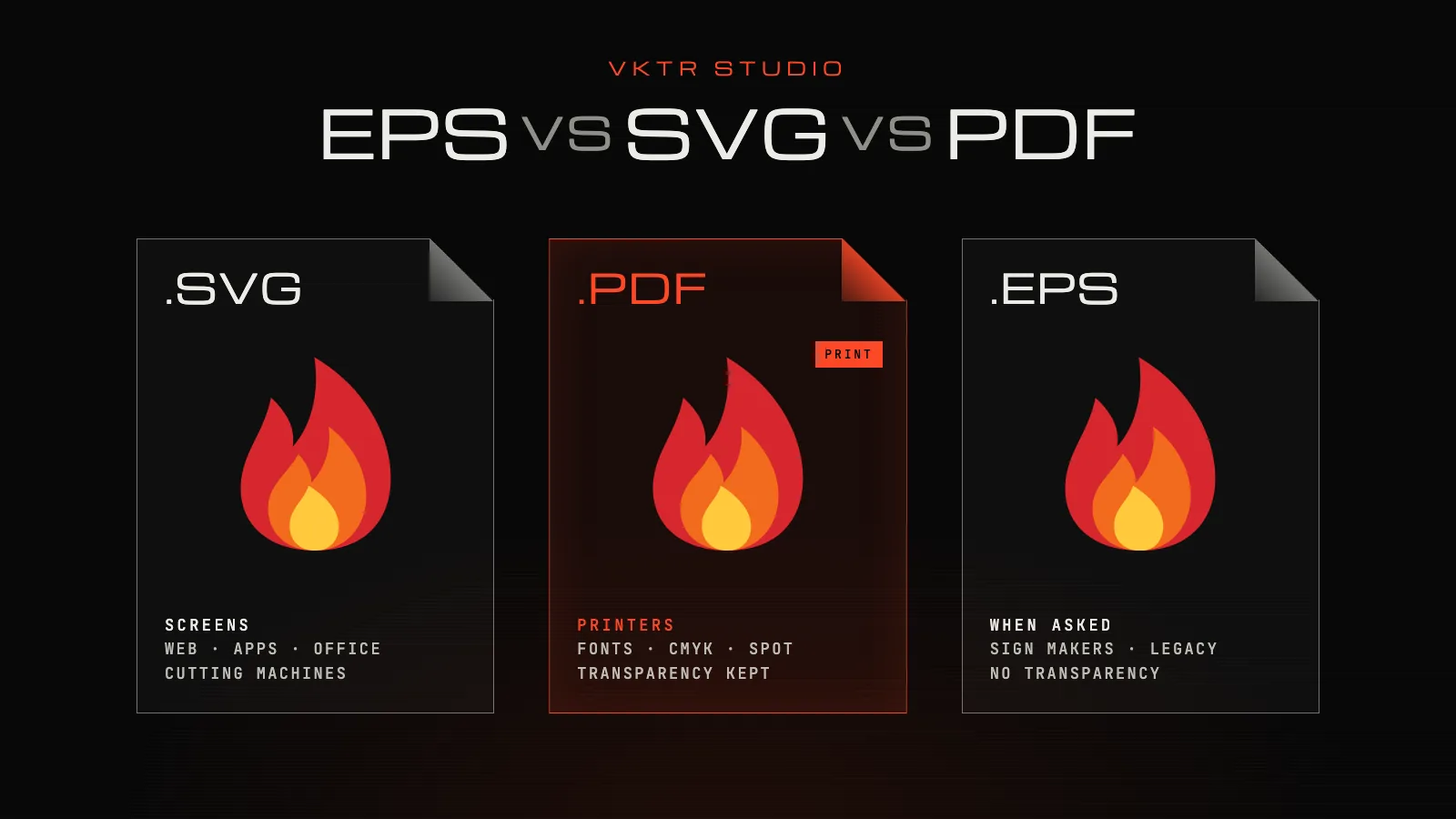
- For printing, send a PDF. It keeps the vector paths, embeds fonts, carries CMYK and spot colours, and keeps transparency; PDF/X is the print standard to use when a printer asks for one.
- SVG is the format for screens and cutting machines: websites, apps, Word and PowerPoint, and cutters such as Cricut. Its colours are screen colours (RGB), so it is not the best way to hand a printer exact print colours.
- EPS still opens in most sign and design software, but it has no transparency, Microsoft Office stopped accepting it in 2017, and Canva doesn’t list it as an upload format. Send it when someone asks for it.
- Keep a logo kit rather than one file. VKTR Studio downloads matching SVG, PDF, EPS and DXF files from the same traced logo.
Use PDF for printing, SVG for screens and cutting machines, and EPS only when a printer or sign maker specifically asks for it. All three can store the same sharp vector logo. The difference is what happens to transparency, colour, fonts and compatibility once the file leaves your computer.
EPS vs SVG vs PDF at a glance
| What matters | SVG | EPS | |
|---|---|---|---|
| Made for | Screens: websites, apps, icons | Documents and print | Placing artwork in print layouts |
| Vector paths | Yes | Yes | Yes |
| Can also hold pixel images | Yes | Yes | Yes |
| Transparency | Yes | Yes, since PDF 1.4 | No: flattened on export |
| Print colours (CMYK, spot) | No: screen colours (RGB) | Yes | Yes |
| Fonts | Need the font installed, or outlines | Embedded | Embedded or outlined |
| Opens in a web browser | Yes | Yes | No |
| Upload to Canva | Yes, under 3 MB | Yes, as an import | Not listed |
| Best for | Websites, apps, Office files, cutting machines | Printers, proofs, signage | Sign makers and software that ask for it |
PDF: the safest file for printing
PDF was built to look the same on every computer, which is exactly what a printer needs. A PDF exported from a vector app keeps the paths, embeds the fonts, can carry CMYK and spot colours, and has kept live transparency since PDF 1.4.
When a printer asks for a print-ready PDF, they often mean PDF/X, the ISO 15930 family of standards for print exchange. PDF/X-4 keeps live transparency and layers and works in both colour-managed and CMYK workflows; the older PDF/X-1a is still widely used. Ask which one your printer wants before you export.
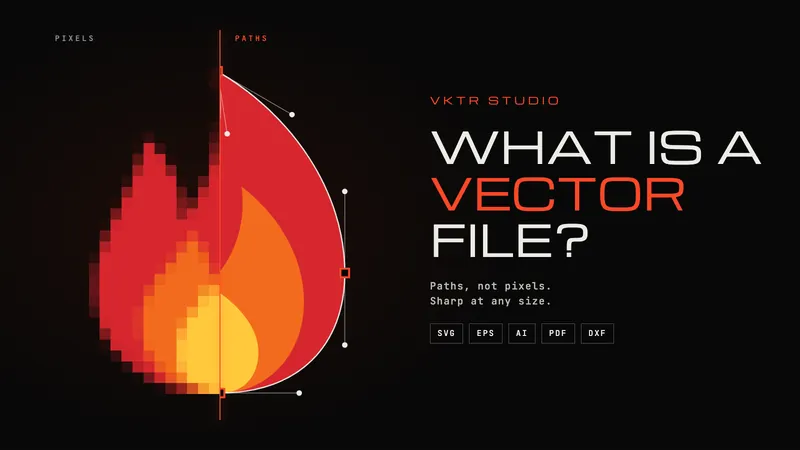
One limit: a PDF is only as vector as what you put in it. A PDF made from a scan or a screenshot is one big picture. Our guide to what a vector file is shows how to check.
SVG: the format for screens and cutting machines
SVG is an open W3C standard that every modern browser displays, so it is the right file for a logo on a website or in an app, and it is the format most cutting machines, such as Cricut, take. Word and PowerPoint accept it too: Microsoft lists SVG as supported in Office 2019 and later and in Microsoft 365.
For print, SVG has two weak spots. It describes colour the way screens do, in RGB, so it is not the place to specify CMYK or spot colours. And any live text in it depends on the font being installed on the computer that opens it. Convert lettering to outlines, or send a PDF.
Canva accepts SVG uploads under 3 MB, saved as SVG 1.1, and its upload guide advises against textures and gradients.
EPS: the old print standard and its limits
EPS (Encapsulated PostScript) was created by Adobe in the late 1980s to place illustrations into page layouts for PostScript printers; its current version, 3.0, was published as a separate specification in 1992. Most sign-making and design software still opens it, which is why some sign makers and printers still ask for it.
Four limits matter today:
- No transparency. PostScript has none, so Illustrator flattens transparent artwork when it writes an EPS, and Adobe explains that flattening divides artwork into vector areas and rasterized areas. Glows and soft shadows can come out as pixels.
- Office won’t take it. Since the April 2017 security update, Microsoft Office has turned off inserting EPS images, because EPS files can contain scripts. Microsoft 365 has no way to turn it back on.
- Canva doesn’t list it. EPS is not among the formats Canva accepts for upload.
- Previews mislead. An EPS usually carries a low-resolution preview image, and many apps show only that, so a perfectly good EPS can look blurry.
Is EPS outdated? It isn’t discontinued, and many printers and sign makers still open it, but most print workflows have moved to PDF, which does everything EPS does and keeps transparency too. Send an EPS when someone asks for one.
Which format to send: a job-by-job guide
| Job | Also accepted | Best file |
|---|---|---|
| Commercial printing (cards, flyers, packaging) | EPS or AI, if they ask | PDF, or PDF/X if they ask |
| Large format and signage | EPS, if they ask | |
| Screen printing | AI or EPS, if they ask | PDF with each ink as solid, separate shapes |
| Vinyl cutter or Cricut | DXF | SVG |
| Laser cutter, engraver or CNC | SVG, in many programs | DXF |
| Website or app | PNG for email signatures | SVG |
| Word or PowerPoint | PNG | SVG (Office 2019 and later) |
| Canva | PNG | SVG, under 3 MB |
| A sign maker who asks for EPS | PDF, if they accept it | EPS |
For email signatures, use a large PNG: many email apps don’t display SVG. And when in doubt, ask the person who will open the file. Our guide to what to send when a printer asks for an open file lists the questions to ask.
What about AI and DXF?
AI is Adobe Illustrator’s own format: the best editable master if your designer works in Illustrator, but awkward for anyone without it. Canva only accepts AI files saved in the PDF-compatible format.
DXF is the CAD exchange format that laser cutters, engravers and CNC routers read. What matters to the machine is the outline it follows, not colour or shading: VKTR’s DXF holds closed outlines in millimetres, one layer per colour, with no fills or gradients. The image to DXF converter explains more.
Keep a logo kit, not a single file
One logo, saved once in each format, covers every request you are likely to get:
- SVG for websites, apps, Office files and cutting machines.
- PDF for printers and proofs.
- EPS for anyone who asks for it.
- DXF for laser cutting, engraving and CNC.
- A large PNG for email signatures and quick previews.
- The editable master (AI or SVG) kept safe for future changes.
VKTR Studio downloads SVG, PDF, EPS and DXF from the same traced logo, all set to the same width in millimetres, so every file in the kit matches. Its PDF and EPS hold vector paths only, with no fonts or images, and their colours are RGB, which your printer converts or matches to your brand’s spot colours. Because EPS has no transparency, VKTR’s EPS blends a glow or soft shadow into the colours beneath it, or leaves it out where it sits on another gradient, while the SVG and PDF keep it. Converting is free with no account, and a free account gets one download a day, with no credit card.
Frequently asked questions
- Which is better, EPS, SVG or PDF?
- None is better everywhere. PDF is best for printing; SVG is best for websites, Office documents and cutting machines; and EPS is worth sending only when a printer or sign maker asks for it.
- Is SVG good for printing?
- An SVG prints sharply at any size, but its colours are RGB screen colours and any live text depends on installed fonts. For a print order a PDF is the safer file; keep the SVG for screens and cutters.
- Can you print an SVG file?
- Yes. Browsers, design apps and many print shops can print an SVG. For professional printing, export it as a PDF or ask your printer which format they want.
- EPS vs PDF: which should I send my printer?
- Send a PDF unless the printer asks for EPS. A PDF keeps transparency and embeds fonts; an EPS flattens transparency, and some of that can turn into pixels.
- Is EPS outdated?
- EPS is not discontinued, and many printers and sign makers still open it, but most workflows have moved to PDF. Microsoft Office stopped accepting EPS images in 2017, and Canva doesn’t list it as an upload format.
- Why does my EPS file look blurry?
- Many apps show only the low-resolution preview stored inside an EPS. Open it in a vector editor such as Illustrator or Inkscape to see the real artwork.
- What file format do screen printers need?
- Usually a vector file, such as a PDF, AI or EPS, with each ink colour as solid, separate shapes and any text outlined. Ask the printer whether they also want the spot colours named.
- What is the best file format for a logo?
- Keep a set: SVG for screens and cutting machines, PDF for printers, EPS for anyone who asks, DXF for laser cutting, and a large PNG for email signatures.
- Does saving a PNG as SVG, PDF or EPS make it vector?
- Only if the logo is traced. Wrapping a PNG inside an SVG, PDF or EPS keeps it as pixels. VKTR Studio traces the PNG into paths first, then writes all four formats from the same result.
References
- Library of Congress: PDF/X Format Family (PDF for Prepress Graphics File Exchange)
- Library of Congress: Encapsulated PostScript (EPS) File Format, Version 3.x
- Library of Congress: Scalable Vector Graphics (SVG) File Format Family
- Adobe: How to print and save transparent artwork in Illustrator
- Microsoft: Support for EPS images has been turned off in Office
- Canva Help Center: Check file upload formats and requirements