Guides4 min read
How Much Does It Cost to Vectorize a Logo? Automatic Tracing vs a Hand Redraw
There are two ways to turn a logo image into a vector file: trace it automatically, or have a designer redraw it. What each involves and costs, and how to tell which one your logo needs.
Key takeaways
- With VKTR Studio, converting a logo is free with no account. Downloading uses credits: a free account gets 2 a day, and Pro is $10 a month for unlimited downloads.
- One credit is one file in one format, so an SVG and a PDF of the same logo use two credits.
- A hand redraw costs a designer’s time, so its price depends on the designer and on how complex the logo is. Ask for a quote.
- Trace first, then check: if letters or fine lines come out wrong, a designer can redraw just those parts, using the vector as a guide.
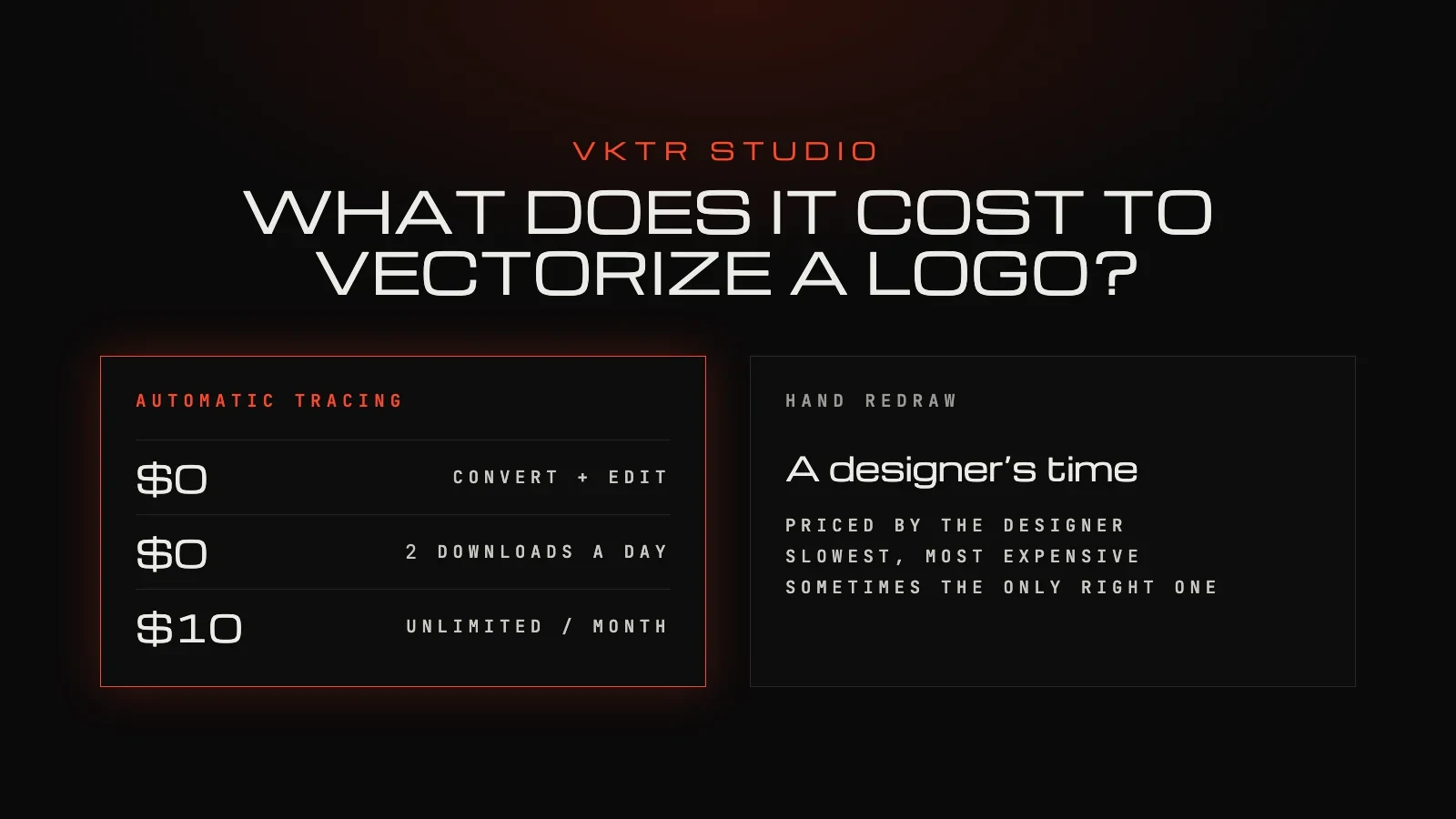
Converting a logo with VKTR Studio is free, with no account. Downloading needs a free account, and each file in each format uses one credit. A free account gets 2 credits a day for images up to 5 MB, and Pro is $10 a month for unlimited downloads of images up to 20 MB. Prices are in US dollars and include VAT where it applies. A hand redraw is priced by the designer, and it is usually the slowest and most expensive option.
What an automatic converter costs
With VKTR, you pay for downloads, not for converting. Opening an image, converting, previewing and editing are free, and each download uses one credit.
| Plan | Price | Downloads |
|---|---|---|
| Free | $0, no credit card | 2 credits a day (from 00:00 UTC) for images up to 5 MB; unused credits don’t build up |
| Pro | $10 a month | Unlimited downloads for normal use by one person, images up to 20 MB |
What counts as one credit
- One file in one format. An SVG and a PDF of the same logo use two credits.
- Downloading the same file again uses another credit.
- A failed download costs nothing. If a download fails, or the file will not open, you get the credit back.
- Free credits don’t build up. Each day starts again at 2, from 00:00 UTC.
So one logo, downloaded once as SVG, costs one free credit. Each further format, such as PDF or EPS, uses one more of the day’s 2 free credits; on Pro it costs nothing extra. The full rules are in the terms and on the pricing page.
What a hand redraw involves
A designer rebuilds the logo as vector shapes, using your image as a guide: they redraw the outlines, set the lettering again in the brand’s typeface and match the colours. It takes their time, so the price is theirs to quote, and it depends on how complex the logo is and on how much your copy shows.
It is usually the slowest and most expensive option, and sometimes the only right one:
- when the copy is too small or damaged to show the shapes clearly;
- when the lettering must match the brand typeface exactly;
- when a traced result still has misshapen letters or lines after you check it.
Which one does your logo need?
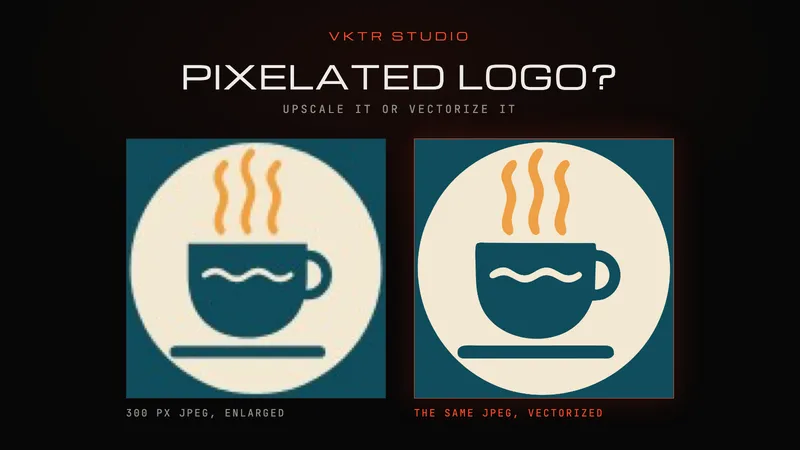
Start with the cheaper test: trace it, then check it at full size. Our guide to fixing a pixelated logo for printing shows a real test and the checks to make: letter shapes and spacing, colours, size and format.
- A clean, flat logo from a clear copy: automatic tracing is usually enough. Check it, recolour if needed, and download.
- Clear shapes but small or fancy lettering: trace it, then have a designer redraw only the lettering, with the vector as a guide.
- A tiny, blurry or damaged copy: look for the original file first. If there is none, a hand redraw is the safe choice.
How to keep the cost down
- Find the original first. Ask whoever designed the logo, or the printer who printed it last: an existing vector file costs nothing to reuse.
- Start from the biggest, sharpest copy. A better source traces better and leaves less for a designer to fix.
- Trace before you brief a designer. The vector gives them accurate shapes and positions to start from.
- Download only the formats you need. Each format is one credit: SVG for screens and cutters, PDF for most printers. See EPS vs SVG vs PDF.
For the conversion itself, start from the logo to vector converter.
Questions about the cost of vectorizing a logo
- Is vectorizing a logo free?
- With VKTR Studio, converting, previewing and editing are free with no account. Downloading needs a free account, and every free account gets 2 credits a day for images up to 5 MB.
- How many credits do an SVG and a PDF use?
- Two. Each download is one file in one format, so an SVG and a PDF of the same logo use two credits, and downloading the same file again uses another.
- Do unused credits carry over?
- No. Free credits don’t build up: each day starts again at 2. Pro has no credits to count.
- What if a download fails?
- You get the credit back if a download fails or the file will not open.
- How much does a designer charge to redraw a logo?
- It depends on the designer and on the logo, so ask for a quote. A redraw takes their time, which is why it is usually the most expensive option.
- When is a hand redraw worth it?
- When the copy is too small or damaged to show the shapes clearly, when the lettering must match the brand typeface exactly, or when a traced result still has misshapen letters or lines after you check it.