Guides6 min read
Free Vectorizer: How to Vectorize Any Image Free, for Life, With No Credit Card
Most “free” vectorizers let you trace for free and charge you to download. Here is what each free option really gives you, and how to vectorize a logo or image free, for life, with no credit card and no watermark.
Key takeaways
- Many vectorizers are free only until you download: Vectorizer.AI and Vector Magic let you trace and preview free, but downloading the result needs a paid subscription.
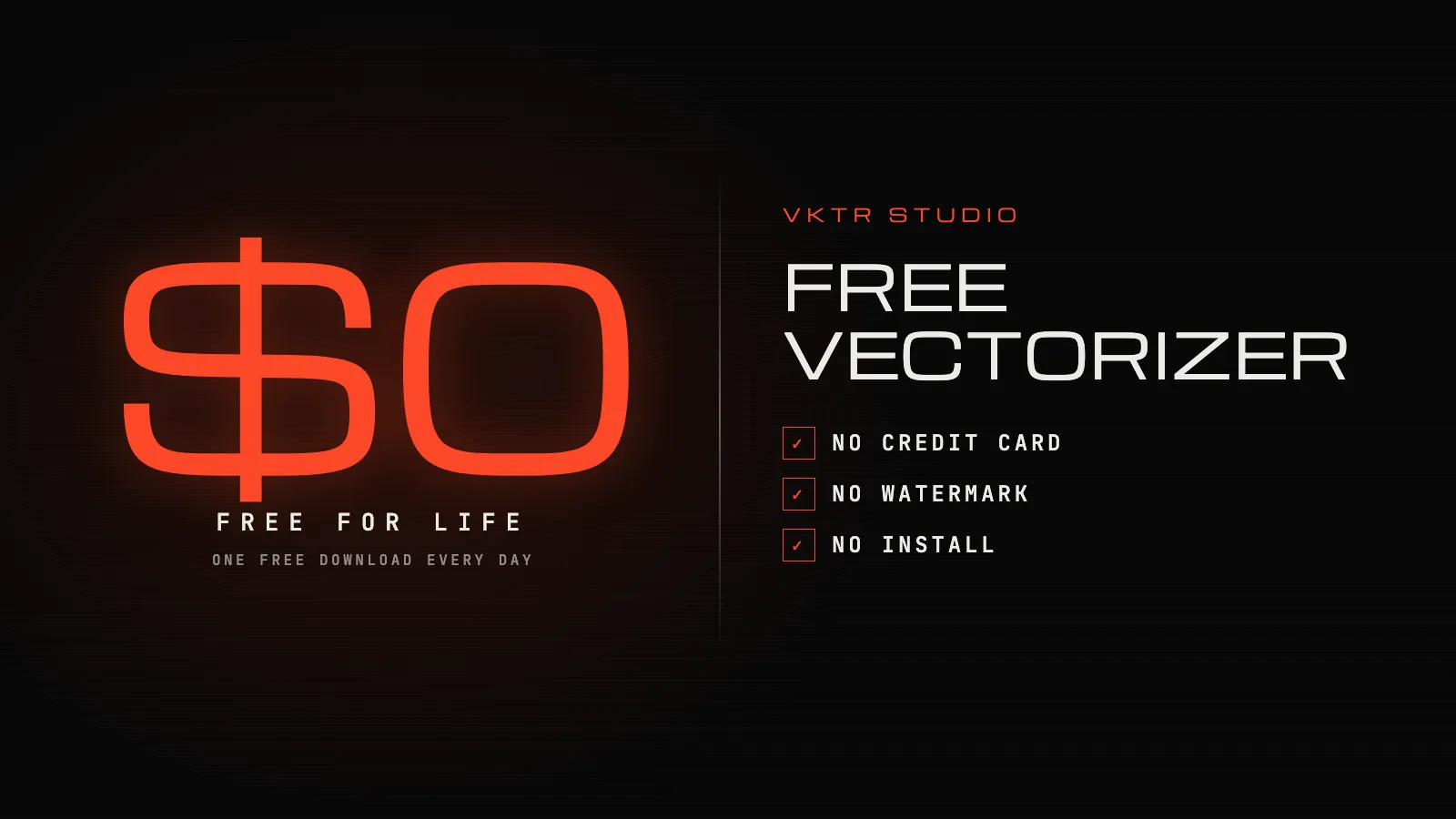
- VKTR Studio is free for life: convert, preview and edit without an account, then download one file a day with a free account. No credit card, no watermark, no trial that runs out.
- Inkscape (Trace Bitmap) and Photopea (Vectorize Bitmap) are free too, with more manual settings and clean-up.
- Every VKTR download is real vector paths, split into layers you can select and edit, as SVG, PDF, EPS or DXF. Nothing in the file is a hidden picture.
The best free vectorizer depends on what “free” has to cover. Plenty of tools trace an image for free; far fewer let you download the result free. VKTR Studio does both: converting, previewing and editing need no account, and a free account downloads one vector file every day, for life, with no credit card and no watermark.
What “free” usually means for a vectorizer
Search for a free vectorizer and you will meet four different deals:
- Free preview, paid download. You can upload an image and see the vector, but saving it needs a subscription.
- Free trial. Full access for a limited time, often after you enter a card.
- Free with limits. Downloads are free, but capped, watermarked or limited to small files.
- Free and open source. Desktop software with no limits, which you install, learn and drive by hand.
None of these is wrong; they are different deals. The useful question is simple: can I download the file I need, without paying, without a card and without a watermark?
Free vectorizers compared
| Tool | Free to try | Free download |
|---|---|---|
| VKTR Studio | Yes, in the browser, with no account | Yes: one file a day with a free account, for life; no card, no watermark |
| Vectorizer.AI | Yes: upload and preview | No: a subscription is needed to download |
| Vector Magic | Yes: upload and preview | No: subscribe to the Online Edition, or buy the Desktop Edition |
| Inkscape (Trace Bitmap) | Yes: a free desktop app | Yes, unlimited: free and open source |
| Photopea (Vectorize Bitmap) | Yes, in the browser | Yes, as SVG or PDF; free with ads |
| Canva | Through apps: Tracer is free, Vectorify needs a paid plan | SVG download needs a paid plan |
Prices change and differ by country, so each tool’s own page is linked in the references. The shape of the deal is what matters: VKTR, Inkscape and Photopea let you keep a vector without paying, while Vectorizer.AI and Vector Magic charge for the download. Adobe Illustrator’s Image Trace is a strong option too, but it comes with a paid subscription.
What makes VKTR’s free plan different
- Free for life, not a trial. The free plan has no end date: every free account gets one download a day for as long as it is open.
- No credit card. You sign up with an email address or Google, and there is nothing to cancel.
- No account to try. Converting, previewing and editing work without signing up at all.
- No watermark. A free download is the same file a paying customer gets.
- No install. It runs in your browser, and your image is not uploaded anywhere.
- Layers, not one block. A logo comes apart into objects, lines of text and words you can select, move, resize and recolour.
- Every format. SVG, PDF, EPS and DXF from the same result, sized in millimetres.
The limits are just as clear. Free credits don’t build up, so a day you skip doesn’t carry over. Images on the free plan can be up to 3 MB. And it is one free account per person or business. If you need more, Starter is $7 a month for 40 downloads and Enterprise is $29 a month for unlimited downloads; see pricing.
How to vectorize an image for free with VKTR Studio
1. Open VKTR Studio
Go to VKTR Studio and drop, choose or paste a PNG, JPG, WebP or HEIC image of up to 3 MB. You don’t need an account for this part.
2. Check the trace
VKTR picks the colours, removes a plain white background and traces every shape into vector paths. Compare the result with your original side by side.
3. Edit what you need
Select any part to move, resize or recolour it, and delete stray shapes. Editing is free and unlimited.
4. Create a free account
When you are ready to download, sign up with an email address or Google. You are not asked for a credit card.
5. Download your file
Choose SVG, PDF, EPS or DXF and download it. Your free credit comes back every day at 00:00 UTC.
Which file to download with your free credit
Each format counts as one download, so an SVG and a PDF of the same image use two credits. Pick the one the job needs first:
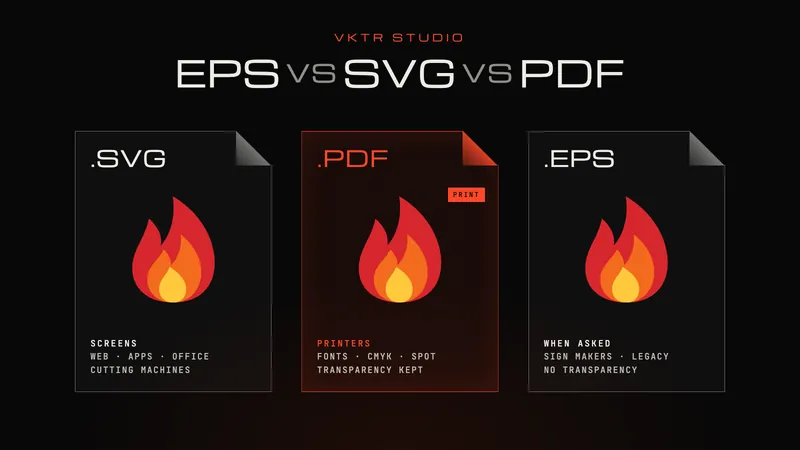
- SVG for websites, Cricut and most design apps.
- PDF for printers, and for Canva: in our test, VKTR’s PDF came into Canva as separate parts, while an SVG arrives as one graphic.
- EPS for sign makers or older software that asks for it.
- DXF for laser cutters, engravers and CNC routers.
Our guide to EPS vs SVG vs PDF explains the differences, and what a vector file is shows how to check that a file is real vector artwork.
Is a free vectorizer good enough for printing?
The price of the tool doesn’t decide print quality; the trace does. Start from the largest, sharpest image you have, then check letters, corners and colours at full size before the file goes to print. No vectorizer, free or paid, can restore detail that a tiny or blurry image never had.
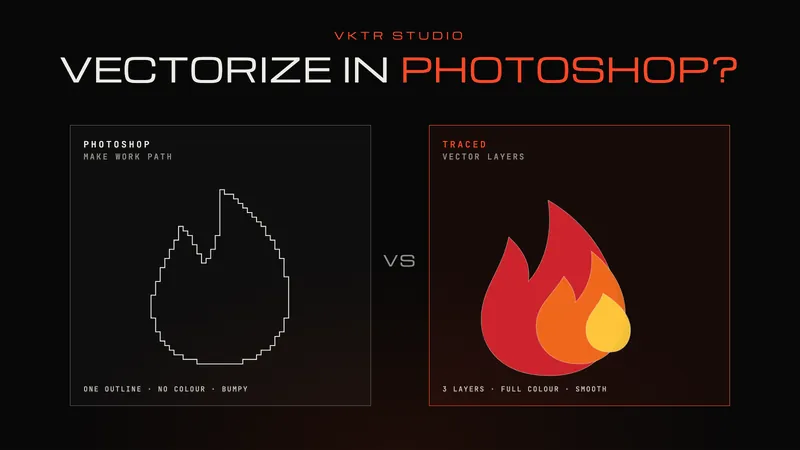
For a logo, the logo to vector converter walks through what to check. If you are coming from Canva or Photoshop, see how to vectorize a logo in Canva or how to vectorize an image in Photoshop.
Frequently asked questions
- Is there a completely free vectorizer?
- Yes. VKTR Studio converts and edits free with no account, and every free account downloads one file a day, for life, with no credit card or watermark. Inkscape and Photopea are free too, with more manual work.
- Is VKTR Studio really free for life?
- Yes. The free plan has no end date: every free account gets one free download a day for as long as it is open. Unused daily credits don’t build up.
- Do I need a credit card for VKTR’s free plan?
- No. You sign up with an email address or Google, and you only enter payment details if you choose a paid plan.
- Can I vectorize an image without signing up?
- Yes. You can convert, preview and edit without an account. Downloading the file needs a free account.
- Do free downloads have a watermark?
- No. A free download is the same vector file a paying customer gets.
- Is Vectorizer.AI free?
- You can upload and preview images free on Vectorizer.AI, but downloading the result needs a paid subscription.
- Is VKTR an AI vectorizer?
- VKTR doesn’t generate images. It traces the shapes in your image into vector paths. Neural networks run on your own device only to prepare the image, for example cleaning up a compressed, grainy or very small image or finding faces in a photo.
- How many free downloads do I get?
- One a day, refreshed at 00:00 UTC. Each format counts as one download, so an SVG and a PDF of the same image use two credits.
- What can I vectorize on the free plan?
- PNG, JPG, WebP and HEIC images up to 3 MB: logos, line art, lettering, illustrations and photos, downloaded as SVG, PDF, EPS or DXF.